Configuring AutoPlay via Windows Control Panel
Applies to Sub-Control 8.5
Perform a search for Settings.

Searching for Windows Settings
Select Devices.
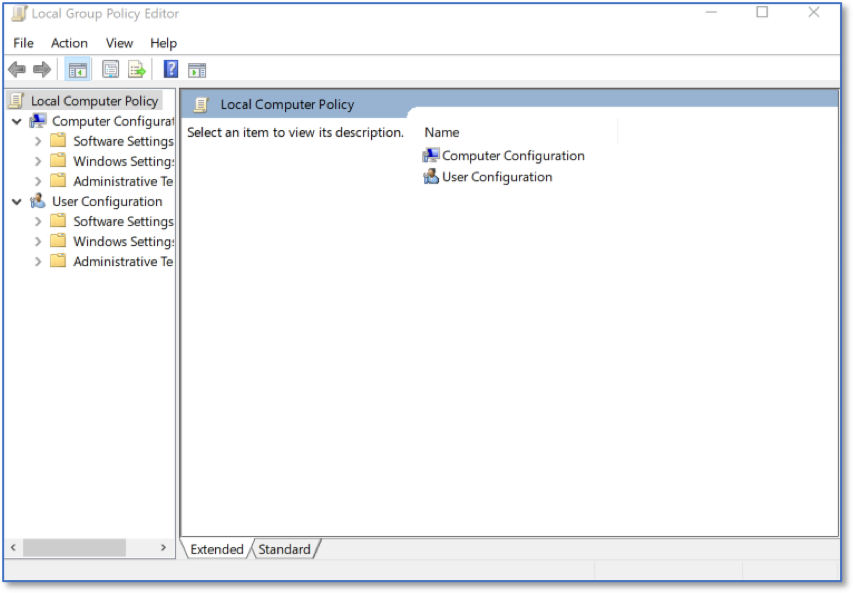
Windows Settings Home Screen
Select AutoPlay.
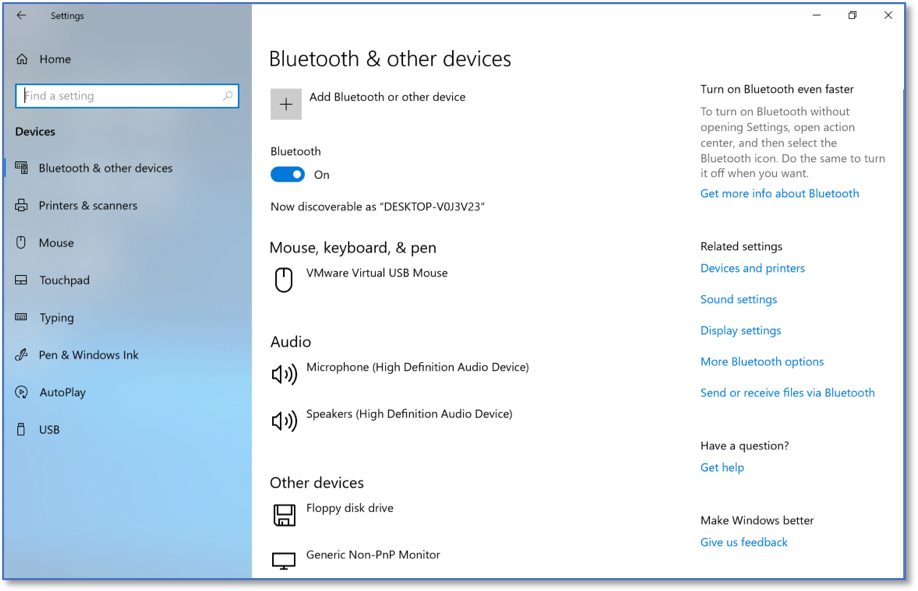
Bluetooth & other devices Settings
AutoPlay should be turned off.
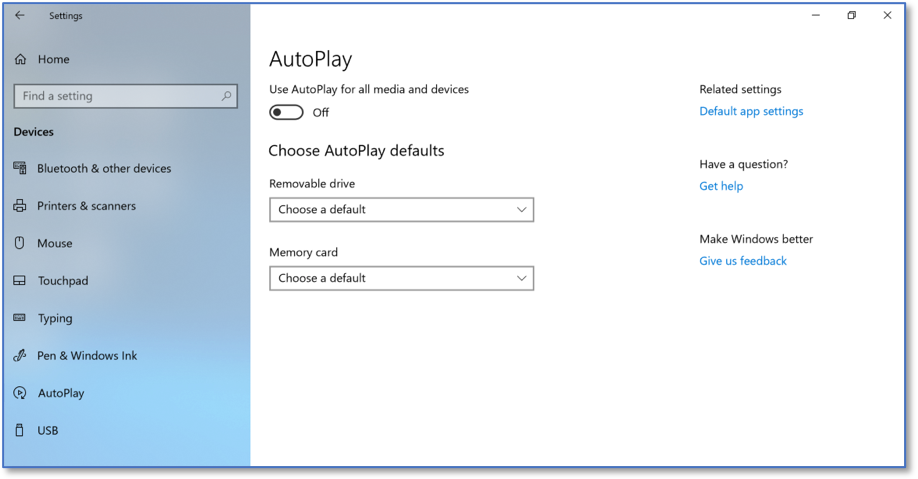
AutoPlay Settings