Uninstalling Software
Applies to Sub-Control 2.6
Perform a search for Settings.
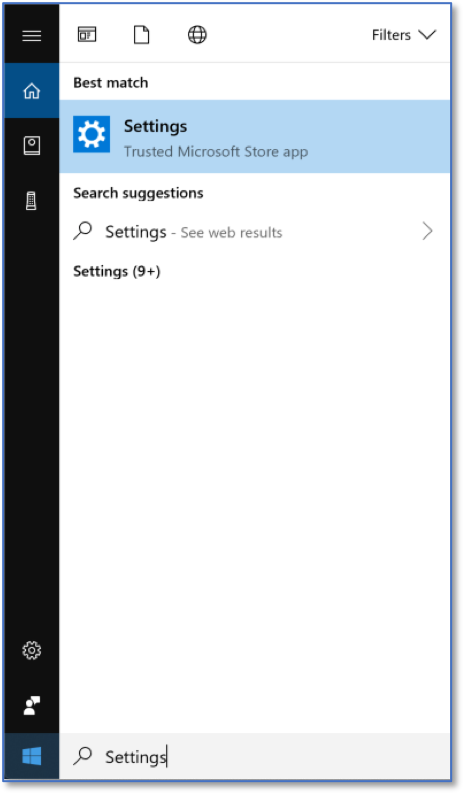
Searching for Settings.
Select Apps.
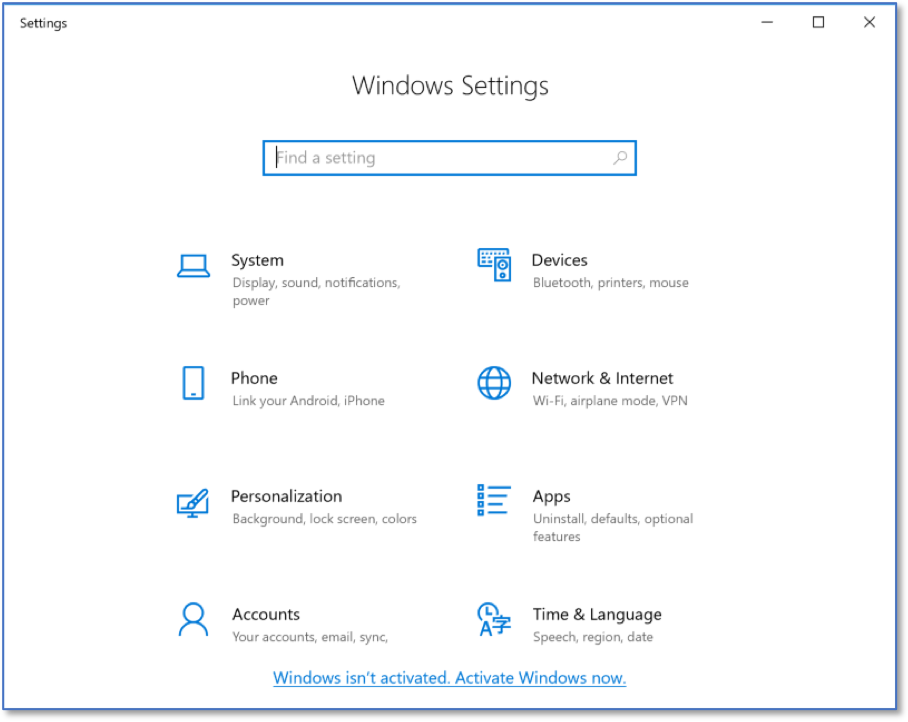
Windows Settings Home Screen.
All of the installed applications on the Windows 10 machine are available here. Select the application that should be uninstalled. Note that some of the listed apps cannot be uninstalled.

Listing of Installed Applications
Select Uninstall.
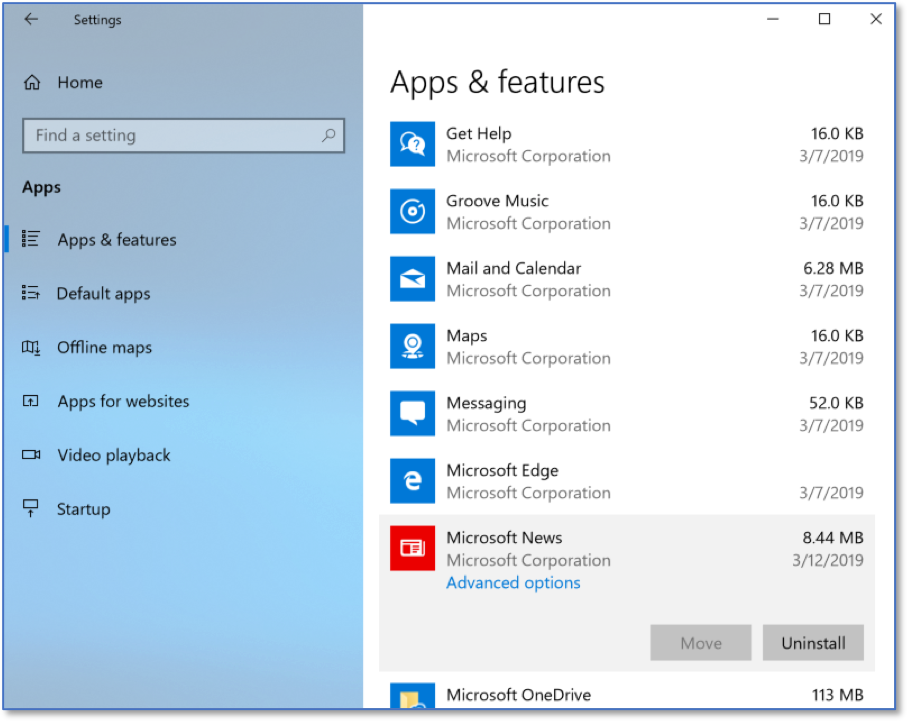
Selected Installed Application
Select Uninstall another time to confirm.

Uninstalling An Application