Configuring Microsoft File History
Applies to Sub-Control 10.1
Search for backup within the Windows search bar.
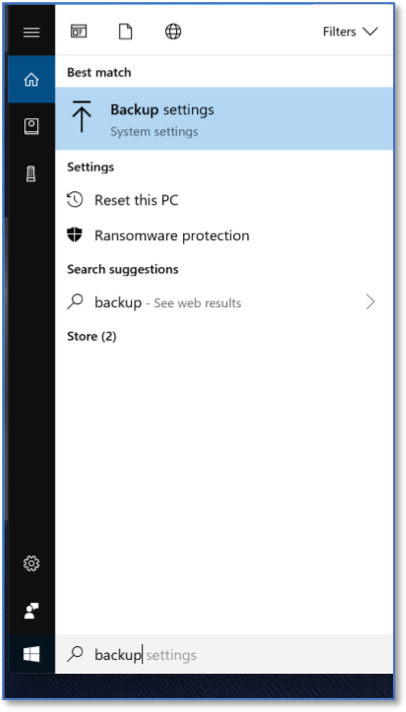
Searching for Windows Backup Settings
The main backup screen within Windows 10 will be displayed. Select Add a drive under Back up using File History.

Windows 10 Backup Settings
The Backup options home screen will be presented.
Note
There must be an external hard drive or removable media (e.g., USB drive, thumb drive) connected to the computer to backup information onto.

File history backup options
Scroll down and select See advanced options.

Advanced File History Options
Ensure File history in turned on.

Final File History Screen